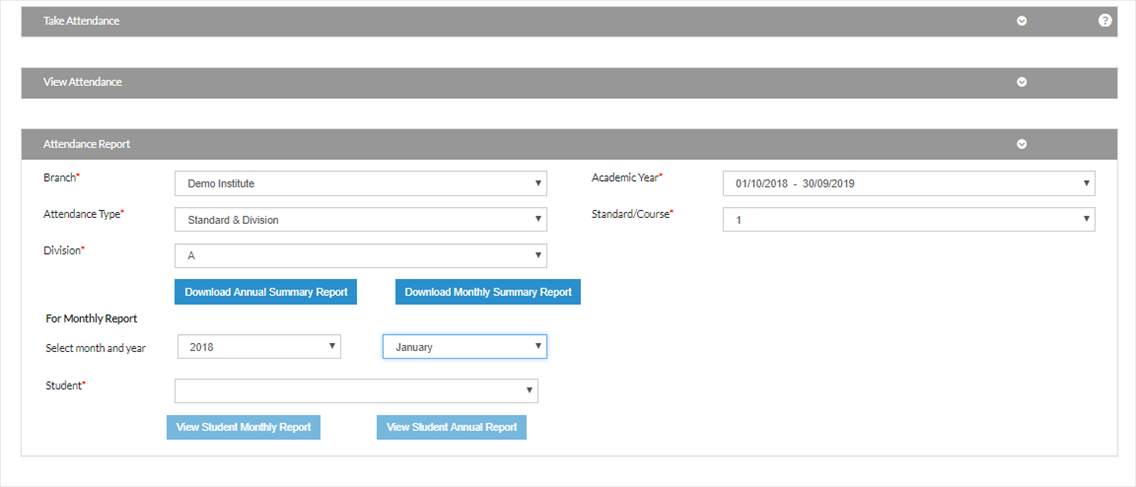
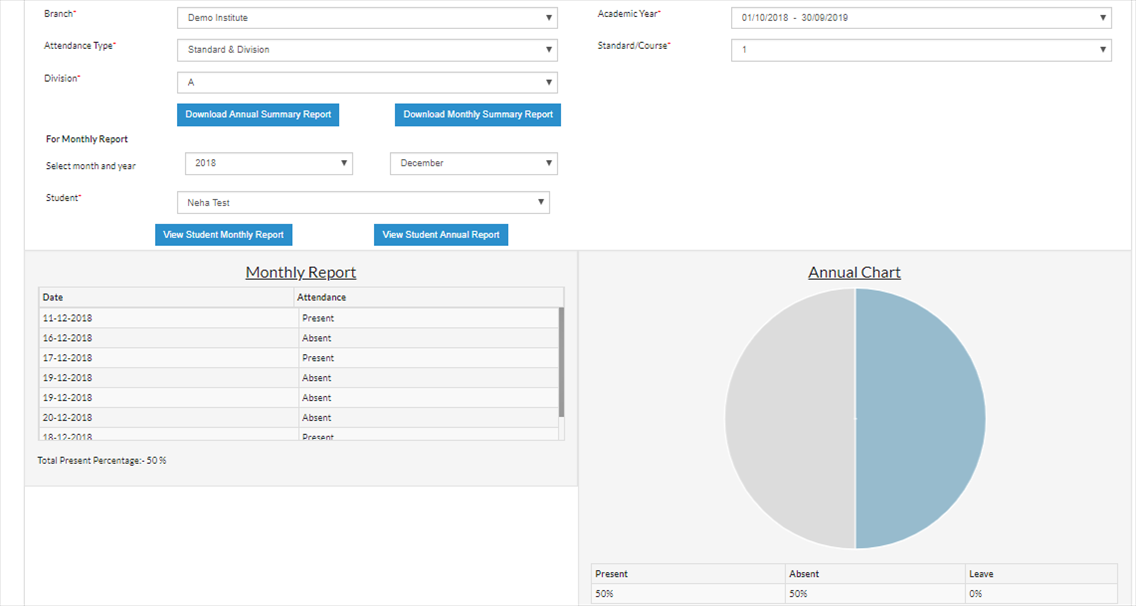
Select the branch, attendance type. Based on the type, select the further fields.
To download annual report, click on Download Annual Sumamry Report. It will generate a excel to show the yearly attendance summary
To download monthly report, select the month and year first. Then click on Download Monthly Summary Report
To view the attendance summary for any specific student, select the student name from the student dropdown, click on View Student Monthly Report or View Student Annual Report.