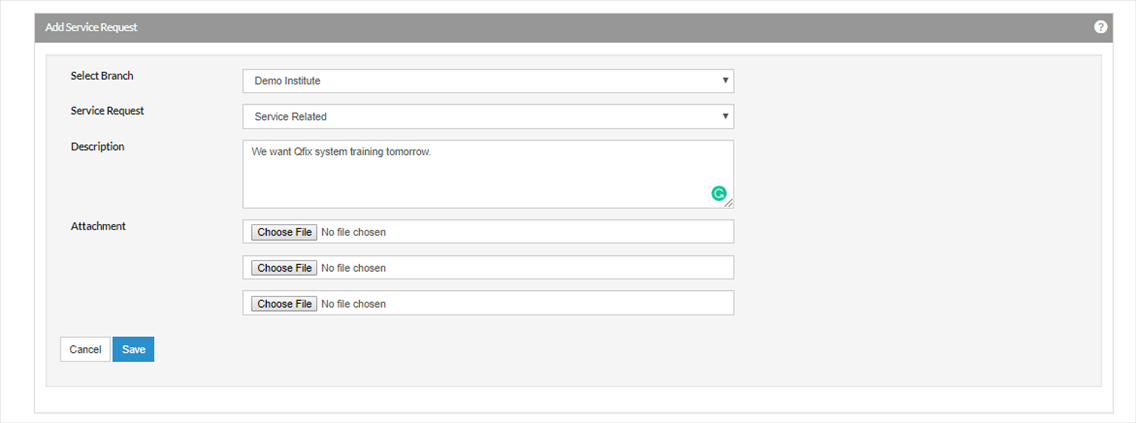
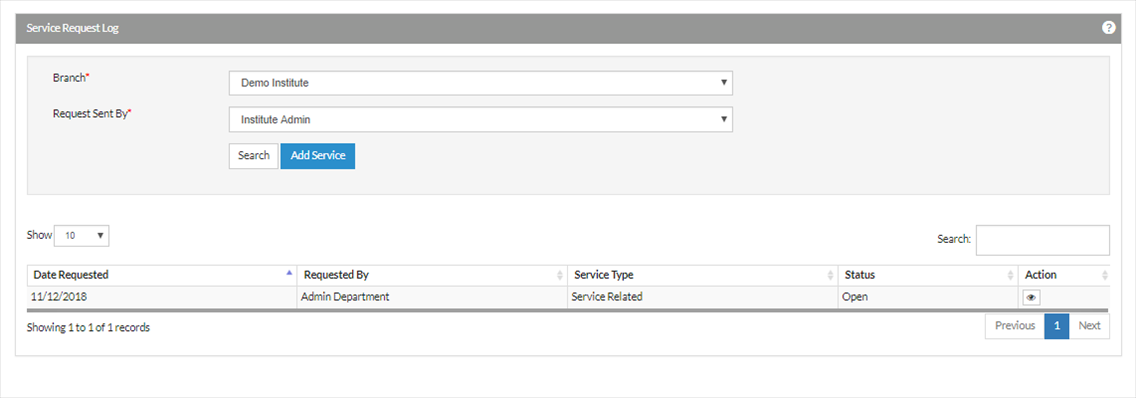
User can create a service request for information or advice or any change in the service and can be acknowledged.
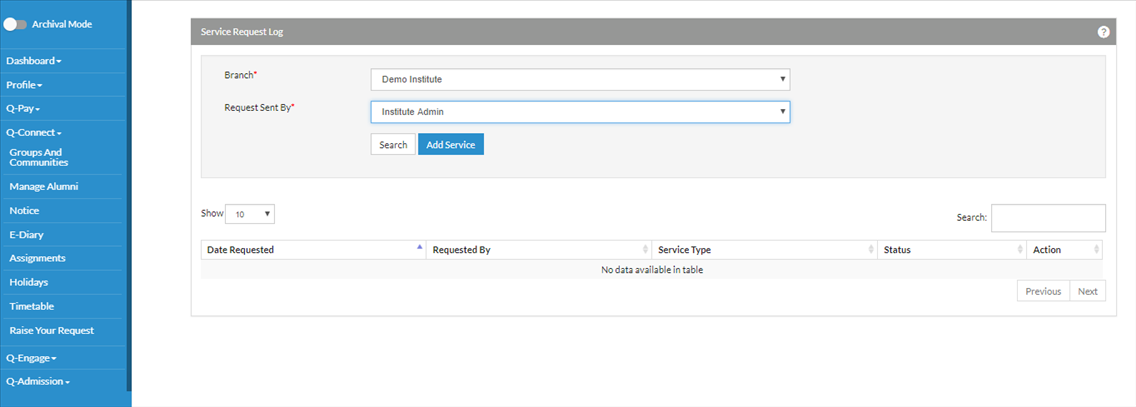
- Select Q-Connect-> Service Request.
- Select the branch for which you want to add a service request-> Click on Add service
- Select the service request from the dropdown. User can raise a request for payment refund or any other service using this module and can also attach files to it.
- Click the save button to send the service request
- User can know the status of service request by clicking on the view button
To view service request received from students/parents
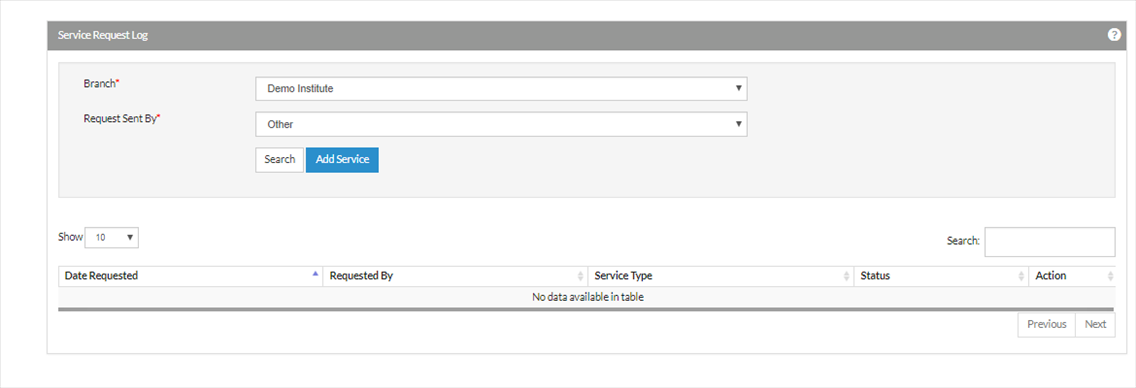
To view the request from parent or students, select the Request Sent by Others.