Education
Society
Toggle navigation
Back
Frequently Asked Questions (FAQ)
How to create microsite?
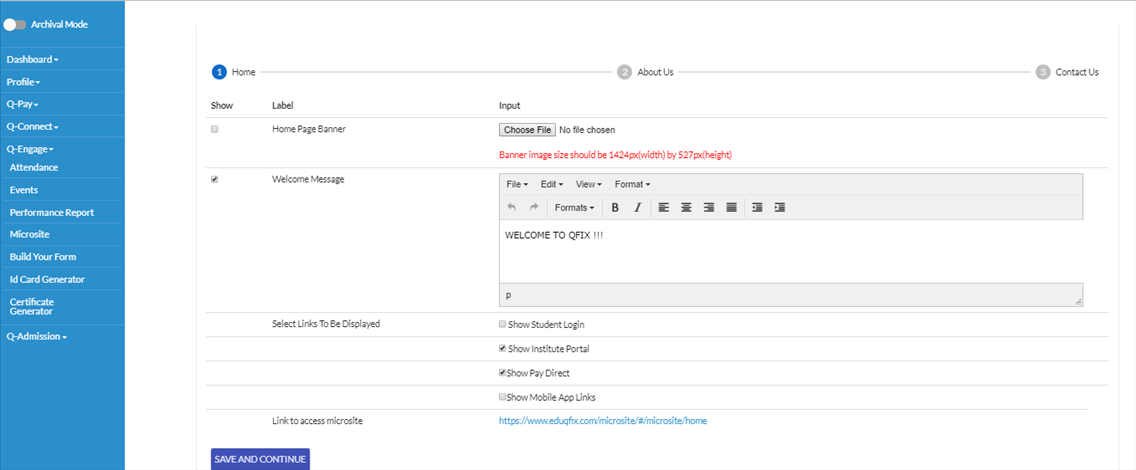
Select Q-Engage from the left side-> Click on Microsite
Add image of home page as required.
You can type any welcome message to display on the wbsite as show in screenshot.
Select the links on which you want to display the site.
In case if you have any form link to display you can add it too.
Click on
SAVE AND CONTINUE
.
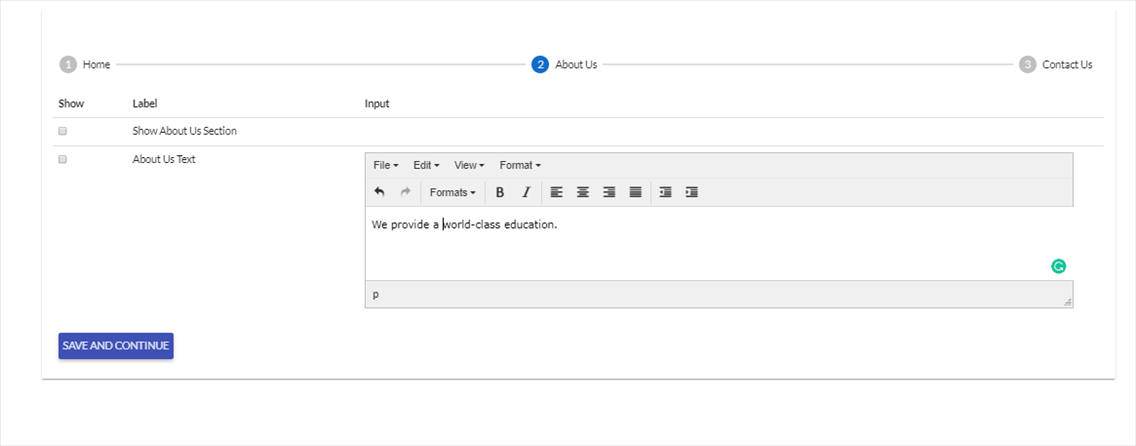
If you want to show About us section on the website click both the option i.e Show About Us Section and About Us Text
Click on
SAVE AND CONTINUE
.
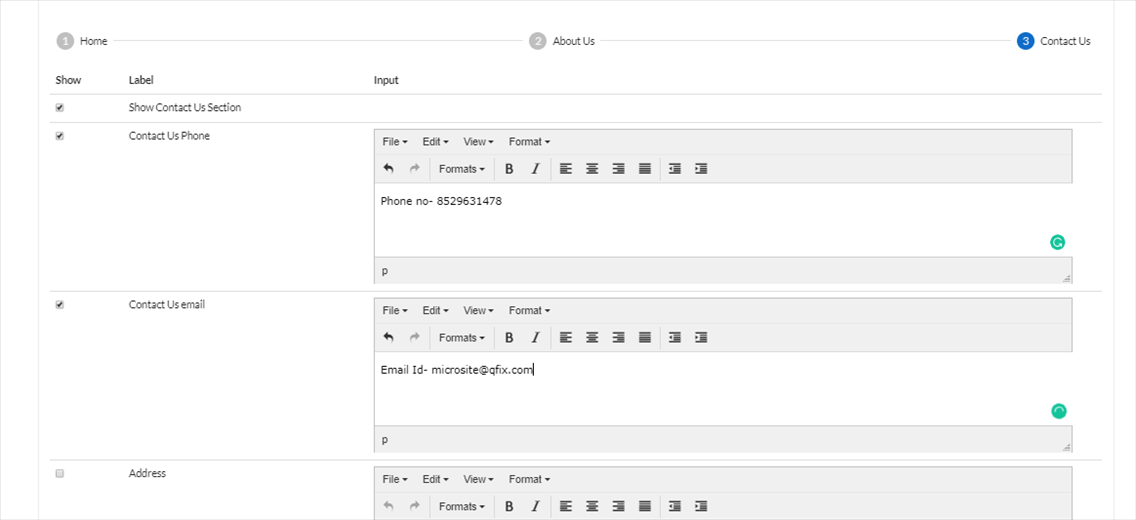
You can add contact number, email address, Address and Google map in Contact us section
Click on
Finish
to create microsite successfully
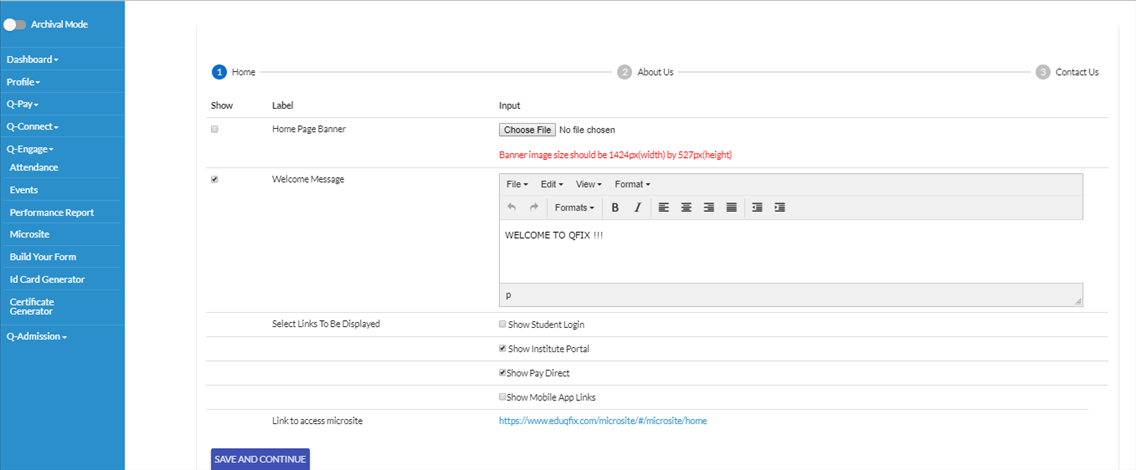
Microsite link can be accessed from Home page