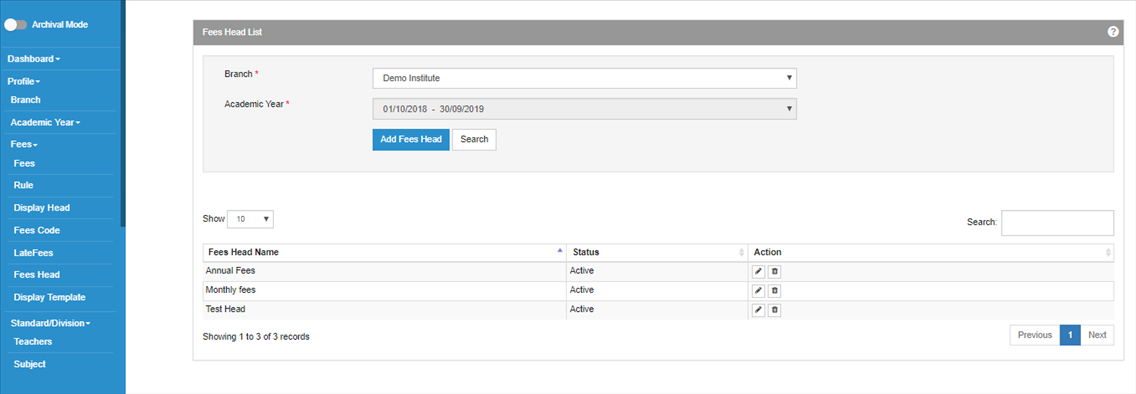
The FEES HEAD is the fees for which the payment will be made, which will also appear in the Fees Receipt.
Keeping the fee head as “Inactive”, the fees for that fees head won’t get added.